Part 1 named the layers, Part 2 opened the model file, and Part 3 showed who holds the conversation. Three parts of architecture, and finally some commands — and the reason they come last is that almost every installation guide you’ll find gives you a docker run line without telling you which of the four possible arrangements you’re choosing, or why the answer changes completely depending on what silicon you own. The Decision That Comes First # Every local AI tutorial opens with either “install Ollama” or “here’s a compose file,” and treats the choice as taste. It isn’t. It is determined almost entirely by one question:
Part 1 established that the model is stateless. Part 2 established that its memory is finite and expensive. Put those together and an awkward question falls out: if the model remembers nothing and can only be handed so much at once, who decides what it gets to see? The answer is the layer you thought was just a chat window. The Layer That Holds Everything the Model Can’t # Open WebUI is a web application. Svelte in the browser, a Python backend, a database on disk. There is no model inside it and no inference happening in it. If Ollama is switched off, Open WebUI still loads perfectly — it simply has nothing to talk to.
In Part 1 we established that “the AI” is a file of numbers plus an engine to execute it. This time we open the file. By the end you will be able to look at a model name and predict, with arithmetic rather than hope, whether it will run on your machine and roughly how fast. A Model Is a Very Boring File # Strip away the mystique and a language model is an array of floating-point numbers — the weights — organised into named tensors, plus enough metadata to describe how those tensors should be wired together.
Most local AI tutorials hand you a docker compose up and a shrug. This one starts with the architecture, because once you can name the layers, every tutorial after this becomes readable. The Naming Problem # Spend twenty minutes reading about local AI and you will collect a pile of nouns:
Ollama. Qwen. Llama. Gemma. GGUF. llama.cpp. Open WebUI. LM Studio. vLLM. Hugging Face.
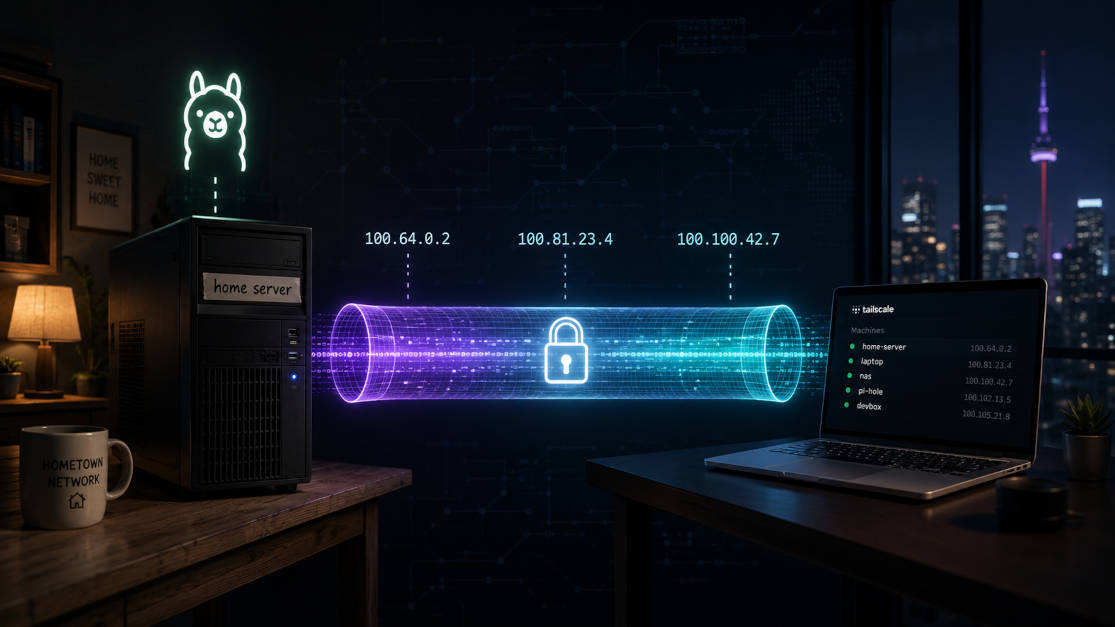
Introduction # So about two months back, I moved to another city for work. My home PC — a fairly bulky Fedora machine that I’ve been calling titan — wasn’t something I was going to drag along in a bag. I left it behind at my hometown, plugged in and running on my home network. Before I left, I already had Tailscale configured on it, so at least I knew I could poke at it remotely if I needed to.
Introduction # It’s been quite a while since I started homelabbing explicitly. I have already posted about Monitoring My HomeLab With Prometheus and Grafana, but I haven’t posted any video on my channel yet.
So today I want to take some time to talk about what I’m already up to. And for this, I’m going to divided this post into the following sections:
Introduction # Previously I have talked about how we can use Vagrant to make managing virtual machines easier. You can read about this article here: Let’s Use Vagrant to make Virtualbox less Tedious.
While there are many types of virtualization and containerization techniques and tools available when writing this post, I’m specifically talking about virtualization and not containerization.
Introduction # I have been recording screencasts for a while now. And as simple as it sounds and looks, there is always some pre and postprocessing required to make the screencast look and sound as it does. If you are reading this on my blog, I have a channel called Fullstack with Santosh where I post videos about tech. Go, get subscribed if you are wondering what what content I create.
Introduction # This post is about my recent experience with Brave browser on Arch Linux. I was getting logged out which was very annoying. After a series of hits and trials, Brave finally does not log me out. In this post, I’m going to share my journey and the decisions I made to achieve here.
First pain with Arch Backstory # For those who don’t know, I recently built a PC for the first time in my life (the first time I was doing every connection) because of my aging laptop.
Introduction # I had known about Vagrant from before. However, it was not until I was doing a Kubernetes course that I encountered it again. The instructor was spinning up and shutting down VMs like a piece of cake. This made me rethink about virtualization again.
I have been configuring Virtualbox till now with GUI, and it’s pretty cumbersome to download ISOs, configure network, storage, and whatnot. While it is good for beginners to see what’s going on, it created a drive in me to steer away from it. But the time has changed now. Introducing Vagrant.
Introduction # I have enough machines in my house that I love to call the setup a home lab. Though I’m not saying my setup is as cool as the one you find on r/homelab. But I have my laptop which I have been using for 3 years now. I also bought a Raspberry Pi 4 back at the end of 2022. Recently I’ve built a PC for which I’m yet to upload video.
What is MQTT # MQTT (Message Queue Telemetry Transport) is a lightweight, publish-subscribe messaging protocol designed for low-bandwidth, high-latency, or unreliable networks. It is particularly well-suited for IoT (Internet of Things) devices and applications that require the transmission of small amounts of data over long periods of time.
I always see MQTT as a sibling of AMQP. They are both messaging protocol. We’ll do a comparision later in the post.
Introduction # In a previous post I have talked about introduction and basic usage with iptables. I did some more research on the subject and I found out more information about it which I would like to share with you.
Best Practices for Configuring iptables Rules # When configuring iptables rules, it’s important to follow best practices to ensure that your firewall is effective and secure. Here are some best practices for configuring iptables rules: