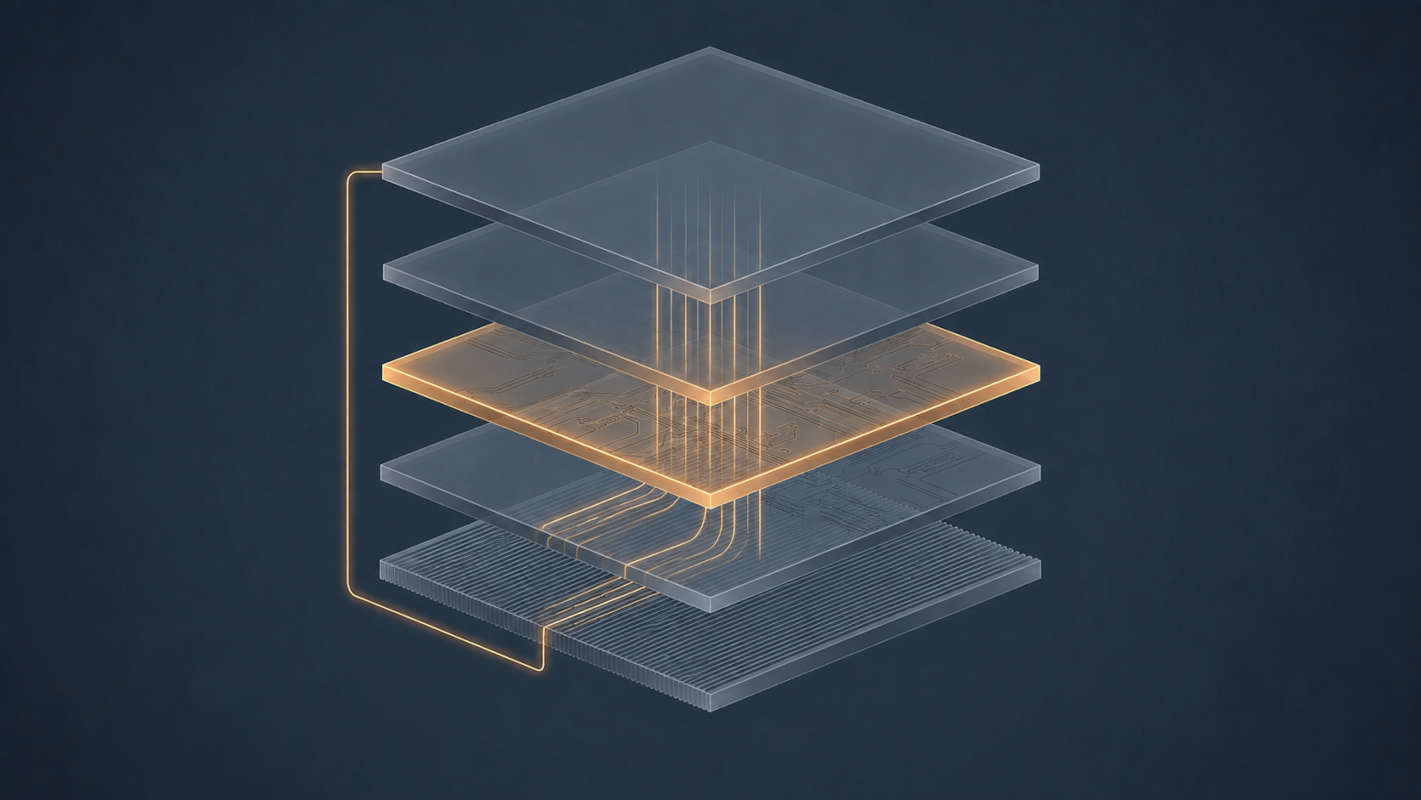
The Layer That Holds Everything the Model Can’t#
Open WebUI is a web application. Svelte in the browser, a Python backend, a database on disk. There is no model inside it and no inference happening in it. If Ollama is switched off, Open WebUI still loads perfectly — it simply has nothing to talk to.
What it holds is everything the model structurally cannot:
| |
Divide that list in half and you have the honest description of the local AI stack: the model does inference, and everything else is state management. Almost all the engineering in the ecosystem is on the second side.
Anatomy of One Message#
You type “and why is that?” — four words — and press Send. Here is what leaves the building.
graph TD
    A["Your 4 words"] --> B["Load conversation
from database"]
    B --> C["Prepend system prompt"]
    C --> D["Attach parameters"]
    D --> E["Truncate to fit
context window"]
    E --> F["POST /api/chat"]
The request body is a JSON array of the entire conversation:
| |
Four words in the text box; the whole history on the wire. This is not an inefficiency to be optimised away — it is the only way a stateless function can appear to hold a conversation.
Which means the interesting question is not “what did I type” but “what did the frontend decide to send.” Those are different, and the difference is invisible.
Roles Are a Convention, Not a Feature#
There is a tempting assumption that system, user and assistant are structural — that the runtime enforces some special authority for the system role. It doesn’t.
Those role labels get flattened into a single token sequence using the chat template from the GGUF file — the metadata field from Part 2 that seemed like a footnote. For Gemma 4, the array above becomes roughly:
| |
That trailing opener is the whole trick. The model is not “answering a question” — it is completing a document that has been arranged so the next thing due is a model turn. Everything else is scaffolding to make that arrangement look like a conversation.
Two details in that block are worth noticing, because they demolish any idea that roles are structural.
The role token is model, not assistant. Your JSON says assistant; the tokens say model. The template translates between them. The word you use in the API has no relationship to the tokens the model was trained on beyond whatever mapping someone wrote in a Jinja file.
The system role is a recent addition. Gemma 3 had no system role at all — system instructions were merged into the first user turn, and templates raised an exception if you tried. Gemma 4 introduced native support for it. Nothing structural changed about how transformers work; Google trained the next version differently and updated the template to match.
So the system prompt carries weight only because the model was trained on data where text after that marker was followed more obediently. It is a strong statistical convention that a vendor can add, remove or alter between releases. It is not an access control mechanism, and treating it as one is how people end up surprised by prompt injection.
Thinking Is Also State You Have to Manage#
Gemma 4 is a reasoning model. Thinking mode is activated by placing a <|think|> control token in the system instruction, and the model then emits its internal reasoning in a dedicated channel before the actual answer:
| |
This creates two obligations that fall on the frontend, and neither of them is optional.
Hide the thoughts. The channel content is internal process. Any client that streams raw output to the screen shows the user the model muttering to itself.
Strip the thoughts before the next turn. Google’s guidance is explicit: remove the previous turn’s generated thoughts from the history before sending it back — with one exception, that thoughts must be preserved between the steps of a tool call. Retaining them in ordinary multi-turn conversation degrades performance.
Sit with that second one, because it is this article’s argument in its purest form. The model produces output that the caller is required to selectively delete before the next request, on rules that vary by situation. There is no mechanism in the model to do this. There is no mechanism in the runtime to do this. It is bookkeeping, performed by the layer that holds the conversation, and if that layer gets it wrong the only symptom is that answers quietly get worse.
The Truncation Decision#
Context is finite and conversations are not. Something must decide what to drop, and that decision is made silently in the frontend.
The near-universal strategy is to keep the system prompt, keep the most recent turns, and discard from the middle or the front. The result is that a long conversation quietly loses its own beginning while continuing to look complete in your browser. The scrollback is the frontend’s database; what the model sees is a window over it.
This produces a symptom that gets misdiagnosed constantly: “the model forgot what I told it at the start.” It didn’t forget. It was never shown.
There’s a second-order effect worth knowing about, and it connects directly to Part 2’s KV cache.
Ollama caches the KV state for a conversation prefix. If turn 21 begins with exactly the same tokens as turn 20 did, the prefill work is reused and your first token arrives fast. But truncation changes the front of the prompt — and if the front changes, every cached key and value after it is invalid.
graph LR
    A["Prefix unchanged"] --> B["Cache hit
fast first token"]
    C["Front truncated"] --> D["Cache miss
full reprefill"]
So a long chat gets slower at the exact moment it starts truncating, then stays slower, because every subsequent turn shifts the window again. If you’ve noticed a conversation degrading in responsiveness the longer it runs, that is the mechanism.
num_ctx, whose default has historically been much smaller than what the model supports — 2048 in older versions, raised since, and it varies by version and by model. Verify with ollama show <model> rather than assuming. Gemma 4 advertises a context window in the hundreds of thousands of tokens; it will run in a 4k window without complaint if nobody said otherwise, and nothing anywhere will warn you. As Part 2’s arithmetic showed, that default is also protecting you from an enormous KV cache — so raise it deliberately, not reflexively.What “OpenAI-Compatible” Guarantees#
Ollama exposes two HTTP surfaces: its native API at /api/chat, and an OpenAI-compatible one at /v1/chat/completions. The second is why so much existing tooling works against a local runtime with only a base URL change.
It is worth being precise about the scope of that compatibility. It guarantees the wire format — the request shape, the response shape, the streaming envelope. It does not guarantee behaviour. This distinction between an agreed shape and agreed semantics is the same one that makes “RESTful” such a contested word.
| Guaranteed | Not guaranteed |
|---|---|
| Field names and JSON structure | Identical output for identical input |
| Streaming chunk format | That every sampling parameter is honoured |
| Error response shape | Tool-calling reliability |
| Client libraries connect | Equivalent capability |
Parameters with no local equivalent are generally accepted and ignored rather than rejected. Your code runs, returns plausible output, and quietly does something other than what you asked. That is a considerably more annoying failure than an error.
The two surfaces also stream differently, which matters if you’re writing a client:
| |
Same idea, different framing. Pick a parser to match the endpoint. Both rely on the server keeping the response open and flushing as it goes, which is a plain HTTP mechanism rather than anything AI-specific — the evolution of HTTP covers how that became possible, and common response headers covers the Content-Type and Transfer-Encoding values you’ll see on these two endpoints.
Replacing the Frontend#
Since the contract is just HTTP and JSON, the frontend is not privileged. Here is the entire protocol, in a shell:
| |
That is the whole thing. No SDK, no authentication, no session. If you’d rather poke at it with a GUI than a terminal, it’s an ordinary HTTP endpoint and Postman handles it like any other — useful for inspecting the response body without writing a parser first.
Streaming is the same call with "stream": true and a reader that handles one JSON object per line:
| |
Thirty-odd lines, and it is a complete, working chat client.
The two history.append calls at the bottom are the entire point of this article rendered as code. The model’s reply has to be pushed back into the list by hand, because nothing else will do it for you. Delete those two lines and every turn becomes a first turn — the program still runs, still answers, and has no idea it has ever spoken to you before.
Note what this client doesn’t do: no truncation, no persistence across restarts, no users, no attachments, no token accounting. history grows without bound until the runtime silently drops the front of it. Add all of that and you have reinvented Open WebUI — which is the point of showing this. The frontend isn’t complicated because talking to a model is hard. It’s complicated because remembering is.
The compatibility claim, demonstrated#
The OpenAI-compatible endpoint from the previous section isn’t an abstraction to take on faith. The official openai client works against your laptop unmodified:
| |
One changed line — base_url — and a library written for a hosted service is driving a model on your own hardware. The api_key is required by the client library and completely ignored by Ollama, which is a fitting introduction to the next point.
Ollama’s API has no authentication. None. Anything that can reach port 11434 can use your models, read your GPU, and run whatever it likes through them. On a laptop bound to localhost this is fine. Bound to 0.0.0.0 on a network, it is an open service.
Part 4 covers binding properly, but if you need remote access before then, the answer is to put it on a private network rather than to expose it: I’ve written up reaching Ollama across cities over Tailscale, which binds to a tailnet address and scopes the firewall rule to that interface alone. For the firewall side in general, see iptables explained; for a quick one-off from a machine you already have SSH access to, port forwarding over SSH avoids binding to the network at all. Until you’ve done one of those, leave it on localhost.
Do You Need Open WebUI?#
No. And it’s worth being clear about what it’s actually for, since “chat interface” undersells it.
You do not need it if you’re a single user who lives in a terminal, or you’re building an application and the API is your interface anyway.
It earns its place when you want conversation history that survives reboots, multiple users with separate accounts and permissions, document attachment and retrieval, model switching mid-conversation, or access from a phone on your network. Every one of those is a state-management problem, and none of them are things a runtime should be doing.
Which brings us back to Part 1’s argument. Open WebUI and Ollama are separate not because separation is fashionable, but because “manage conversations for several people” and “execute matrix multiplications efficiently” have nothing in common except an HTTP boundary.
What You’ve Learned#
- Open WebUI holds all the state the model structurally cannot: conversations, users, settings, attachments.
- Every message sends the entire conversation. Your four words become a full transcript on the wire.
- Roles are flattened by the GGUF chat template into one token sequence ending in an open model turn.
assistantin your JSON becomesmodelin the tokens, and Gemma gained a system role only at version 4 — roles are training convention, not structure. - Reasoning models add a second bookkeeping burden: thoughts must be hidden from the user and stripped from history before the next turn, by the caller, with exceptions for tool calls.
- The frontend silently decides what to truncate, which explains both “the model forgot” and the slowdown in long chats — truncation invalidates the KV cache prefix.
- Two context limits exist and the smaller wins;
num_ctxis often far below what the model supports. - “OpenAI-compatible” guarantees wire format, not behaviour. Unsupported parameters are ignored, not rejected.
- The contract is plain HTTP and JSON, so any client works — and the difficulty in a frontend is memory, not inference.
Next in the Series#
Part 4: Installing the Stack. Finally, commands. Native versus Docker and why the GPU changes that answer, how the two containers find each other, where your data actually lives and which volumes you’d cry about losing, GPU passthrough on Linux, and the network binding question that this post deliberately left open.