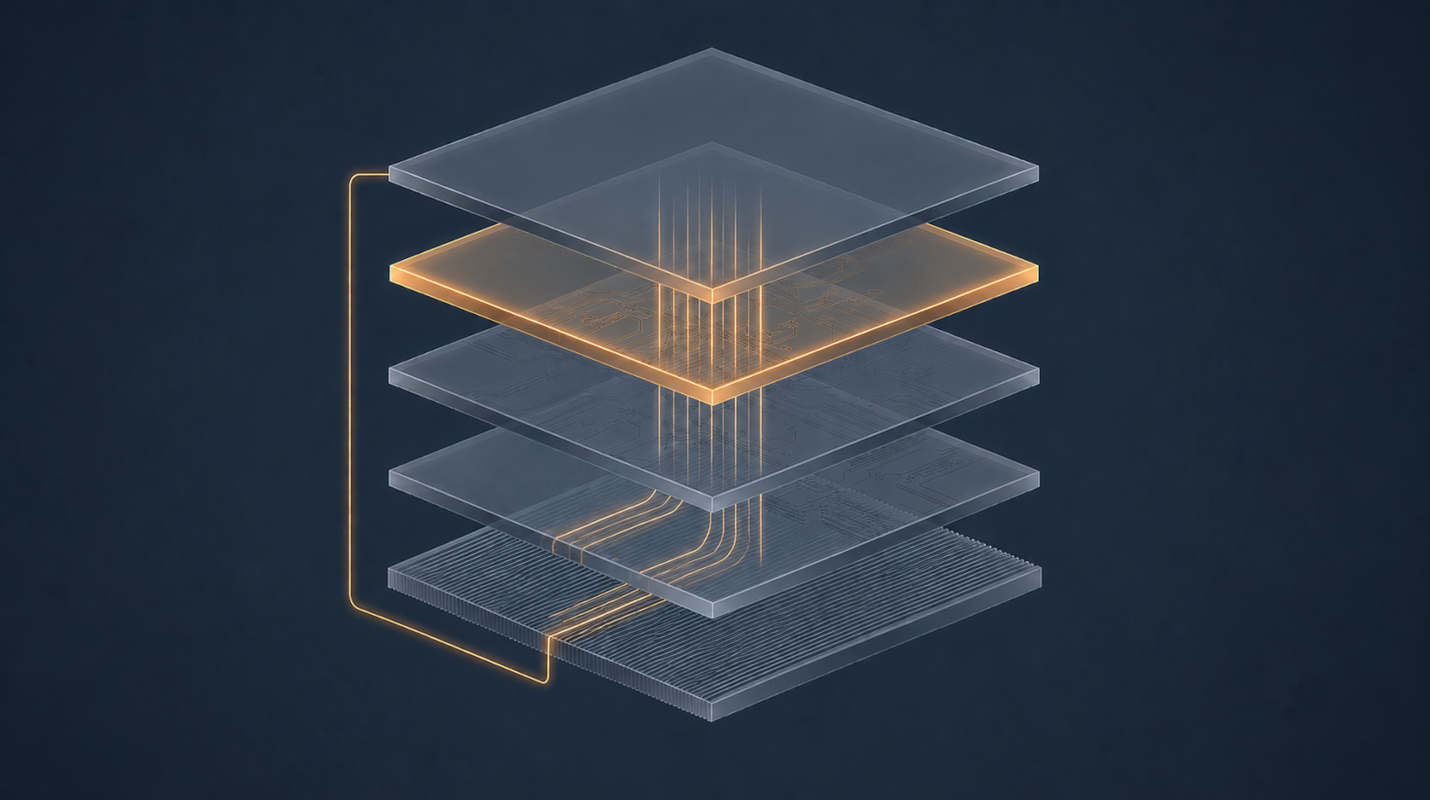
Part 1 named the layers, Part 2 opened the model file, and Part 3 showed who holds the conversation. Three parts of architecture, and finally some commands — and the reason they come last is that almost every installation guide you’ll find gives you a docker run line without telling you which of the four possible arrangements you’re choosing, or why the answer changes completely depending on what silicon you own. The Decision That Comes First # Every local AI tutorial opens with either “install Ollama” or “here’s a compose file,” and treats the choice as taste. It isn’t. It is determined almost entirely by one question:
Introduction # Previously I have talked about how we can use Vagrant to make managing virtual machines easier. You can read about this article here: Let’s Use Vagrant to make Virtualbox less Tedious.
While there are many types of virtualization and containerization techniques and tools available when writing this post, I’m specifically talking about virtualization and not containerization.
In this blog post we continue our last post for most advanced use cases. We talk about managing docker containers in which we talk about spinning a container, listing, starting, stopping, and removing container. We talk about using docker network. We talk about streaming and retrieving logs from docker container. We also cover docker working with docker volumes using Go. At last, we talk about error handling and best practices.
Introduction to Docker Go SDK # In the introductory section of the blog post, we will provide a comprehensive introduction to the Docker Go SDK, highlighting its purpose, benefits, and relevance in the context of building Docker applications using the Go programming language.
Brief explanation of Docker Go SDK and its benefits # The Docker Go SDK, also known as the Docker Engine API for Go, is a powerful toolkit that allows developers to interact with Docker and perform Docker-related operations using the Go programming language. It provides a set of APIs and functions that enable seamless integration with Docker, empowering developers to manage Docker resources, automate tasks, and build Docker-centric applications.
Introduction # Why rootless docker?
“Rootless” Docker refers to running Docker containers without granting the Docker daemon full root privileges on the host system. This can provide added security, as it reduces the potential attack surface and damage that could be caused by a malicious or compromised Docker daemon.
In normal Docker usage, the Docker daemon runs as the root user, which means it has complete access to the host system. While this is necessary for many Docker features and functionality, it can also represent a significant security risk, especially when running untrusted or unknown containers.
Introduction # In last post we learned to install and configure Portainer to maintain your local Docker environment. Although I’m not against command line, Portainer is a great companion if you don’t prefer to remember long commands to manager your docker. In this post I’m going to extend on last post and show how can you manage your VPS docker environment from your local Portainer installation.
Introduction # This is a quick post where I demonstrate how to install Portainer on Ubuntu. Regardless this tutorial is demonstrated on Ubuntu, you can run Portainer on whatever Docker host you are using including Windows.
Most awaited Docker Desktop is available for Linux now. Still, it is a desktop application. There is also an alternative that you already might have heard of if you have worked with Kubernetes. It is called Portainer.
Introduction # We have previously seen how to set up a GitHub to Jenkins pipeline with webhooks, this time we are going to continue on that lesson and learn how to configure Jenkins to build docker images and push Docker images to DockerHub.
We’ll also see how to create images for both arm64 as well as amd64 architectures machines. Keep on reading.
Introduction # In a typical CI/CD pipeline, what happens is when you push your code to a code repository (remote) like GitHub/GitLab/BitBucket, an event is triggered by the git host provider. This trigger is known as WebHook. This webhook can be used by some third-party service to provide an array of integrations. Do you want to tweet on every git push? You can do that.
Introduction # Ed-tech industry in India was valued at US$750 million in 2020, and is projected to be $1.04 billion by 2021. (source)
I am documenting the process of edx installation on local system for evaluating. I’m not doing a comparision with any similar product here. Also, I’m writing this post from a develper’s perspective of course, because I’m a software developer. Don’t expect any business related expertise from here.
In a previous post we discovered how can we run commands on each push and check if the test is passing against multiple versions of go. This is a continuation of the same concept. We are going to deploy our code to Elastic Beanstalk, straight from git push.
Elastic Beanstalk is nothing but a wrapper around it’s EC2 infrastructure. It is a developer-centric view of deploying an application on AWS. Developers just have to push the code and Beanstalk can take care of Auto Scaling Group, Elastic Load Balancer, databases etc. No need to manage infrastructure manually.

Me Before # 1 2 3 4 5 6 7 8 9 10 11 12 FROM golang:alpine WORKDIR /go/src/github.com/santosh/qagine COPY . . RUN go get -d RUN CGO_ENABLED=0 GOOS=linux GOARCH=amd64 go build -a -installsuffix cgo -o app . EXPOSE 8080 CMD ["./app"] Me building the image.
$ docker build -t sntshk/qagine . Sending build context to Docker daemon 259.6kB Step 1/7 : FROM golang:alpine ---> 760fdda71c8f Step 2/7 : WORKDIR /go/src/github.com/santosh/qagine ---> Running in e2cf75dd1655 Removing intermediate container e2cf75dd1655 ---> 8b4955b2e885 Step 3/7 : COPY . . ---> 43cd9a41efcb Step 4/7 : RUN go get -d ---> Running in 55c01f67fa99 go: downloading github.com/gorilla/mux v1.7.4 go: downloading go.mongodb.org/mongo-driver v1.3.2 go: downloading github.com/dgrijalva/jwt-go v3.2.0+incompatible go: downloading golang.org/x/crypto v0.0.0-20200420201142-3c4aac89819a go: downloading github.com/pkg/errors v0.8.1 go: downloading github.com/xdg/scram v0.0.0-20180814205039-7eeb5667e42c go: downloading github.com/golang/snappy v0.0.1 go: downloading github.com/go-stack/stack v1.8.0 go: downloading github.com/klauspost/compress v1.9.5 go: downloading golang.org/x/sync v0.0.0-20190423024810-112230192c58 go: downloading github.com/xdg/stringprep v0.0.0-20180714160509-73f8eece6fdc go: downloading golang.org/x/text v0.3.2 Removing intermediate container 55c01f67fa99 ---> 038b29b80653 Step 5/7 : RUN CGO_ENABLED=0 GOOS=linux GOARCH=amd64 go build -a -installsuffix cgo -o app . ---> Running in 122df20d3329 Removing intermediate container 122df20d3329 ---> f4616dc3fe1c Step 6/7 : EXPOSE 8080 ---> Running in 4258f9aac8c6 Removing intermediate container 4258f9aac8c6 ---> b643c7e16c0b Step 7/7 : CMD ["./app"] ---> Running in 948fa65b093b Removing intermediate container 948fa65b093b ---> 621b8e5396ad Successfully built 621b8e5396ad Successfully tagged sntshk/qagine:latest The sweet size of the image is 525MB.