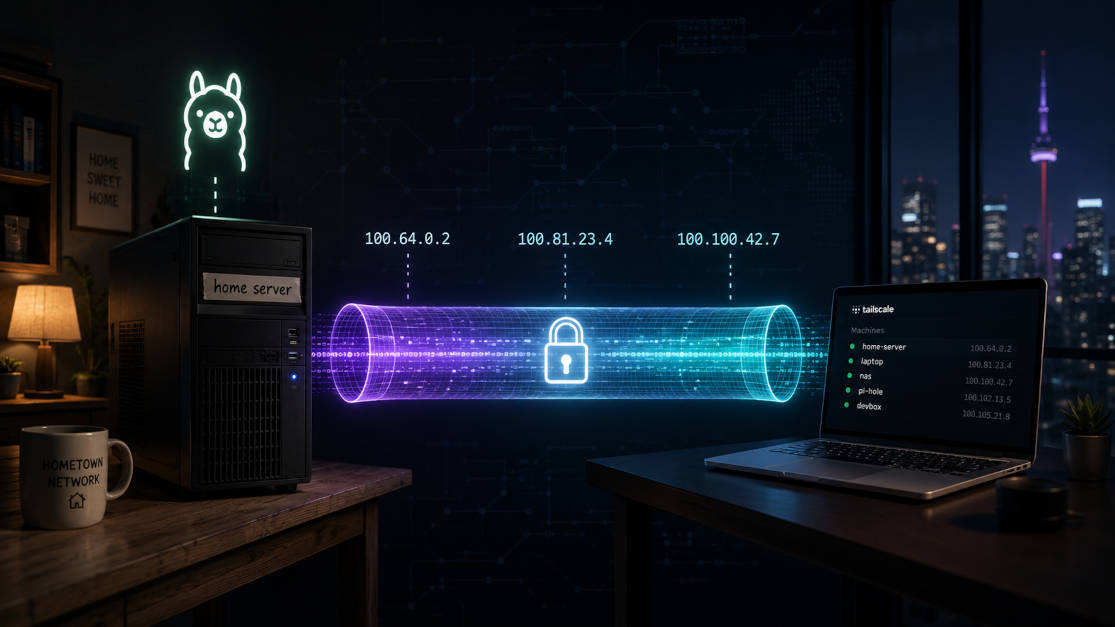
Introduction # So about two months back, I moved to another city for work. My home PC — a fairly bulky Fedora machine that I’ve been calling titan — wasn’t something I was going to drag along in a bag. I left it behind at my hometown, plugged in and running on my home network. Before I left, I already had Tailscale configured on it, so at least I knew I could poke at it remotely if I needed to.
Introduction # This post is about my recent experience with Brave browser on Arch Linux. I was getting logged out which was very annoying. After a series of hits and trials, Brave finally does not log me out. In this post, I’m going to share my journey and the decisions I made to achieve here.
First pain with Arch Backstory # For those who don’t know, I recently built a PC for the first time in my life (the first time I was doing every connection) because of my aging laptop.
Introduction # In a previous post I have talked about introduction and basic usage with iptables. I did some more research on the subject and I found out more information about it which I would like to share with you.
Best Practices for Configuring iptables Rules # When configuring iptables rules, it’s important to follow best practices to ensure that your firewall is effective and secure. Here are some best practices for configuring iptables rules:
Introduction # Not until recently, I was compelled to learn iptables when I was working with Firecracker VM. iptables is a tool to manipulate network packets.
Iptables is a powerful and versatile firewall tool that is used to protect and secure networks. It is an open-source program that is installed on Linux-based operating systems. Iptables works by inspecting and filtering network traffic based on a set of rules. These rules define what traffic is allowed and what is blocked, based on criteria such as the source and destination IP address, port number, and protocol.
Introduction # We have previously seen how you can Spin up your own VPN on Ubuntu 20.04. Among many benefits, one of the benefits of the VPN is geographical anonymity.
Today we are going to discuss and set up yet another benefit. We are going to tweak our VPN server set up a little bit to enable ad-blocker out of the box. Meaning that you won’t have to install an ad-blocker on your browser. It will be enabled connection-wide. You won’t be seeing any ads on devices that you can’t control ads on, like smart TV, etc.
It’s been a long time I’ve been fiddling around with Linux and Linux distros. The first Linux distro I ever used was Ubuntu. I like the beauty of Linux, its so customizable. One can change every aspect of interface and behaviour that end-user want. Like the desktop environments and shells, which you can’t really change on Windows operating systems.
I myself belive in minimalism and not full of features products (which remains unused most of the time in my case). But I’m making this descision after using both of them for about a week.
In last post, I expressed how we can export a single file from a git repo the its own repo, preserving their commit history. In this post, I will tell how I dealt with extension-less file to ignore them in my repo.
I have recently started learning C++ from Udemy, it’s a free course. I encourage you to take it if you are willing to learn C++. I was following the instructions on Linux. And special thing about working with C or C++ in Linux is that the executable you get has no extensions in it, unlike Windows, which has .exe extension.