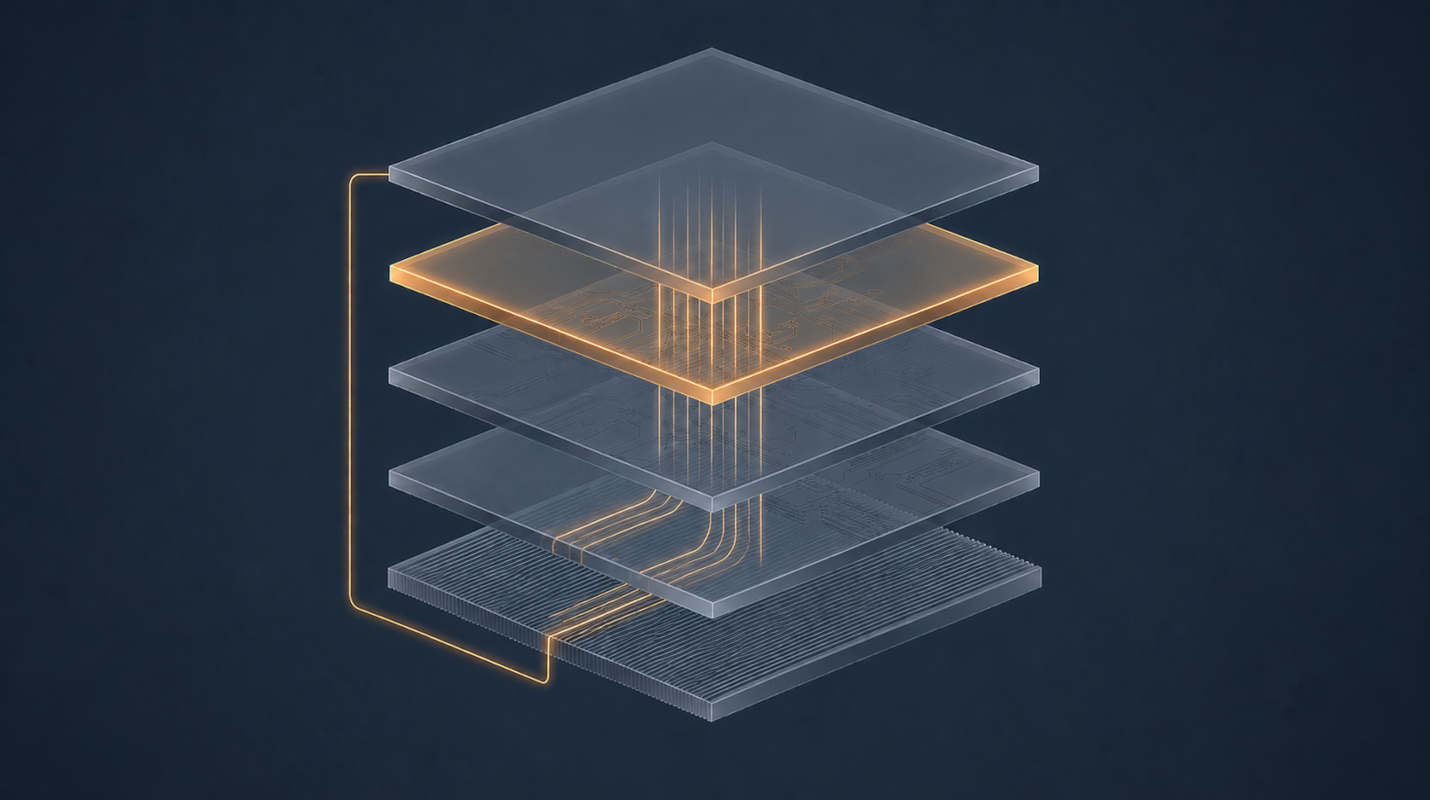
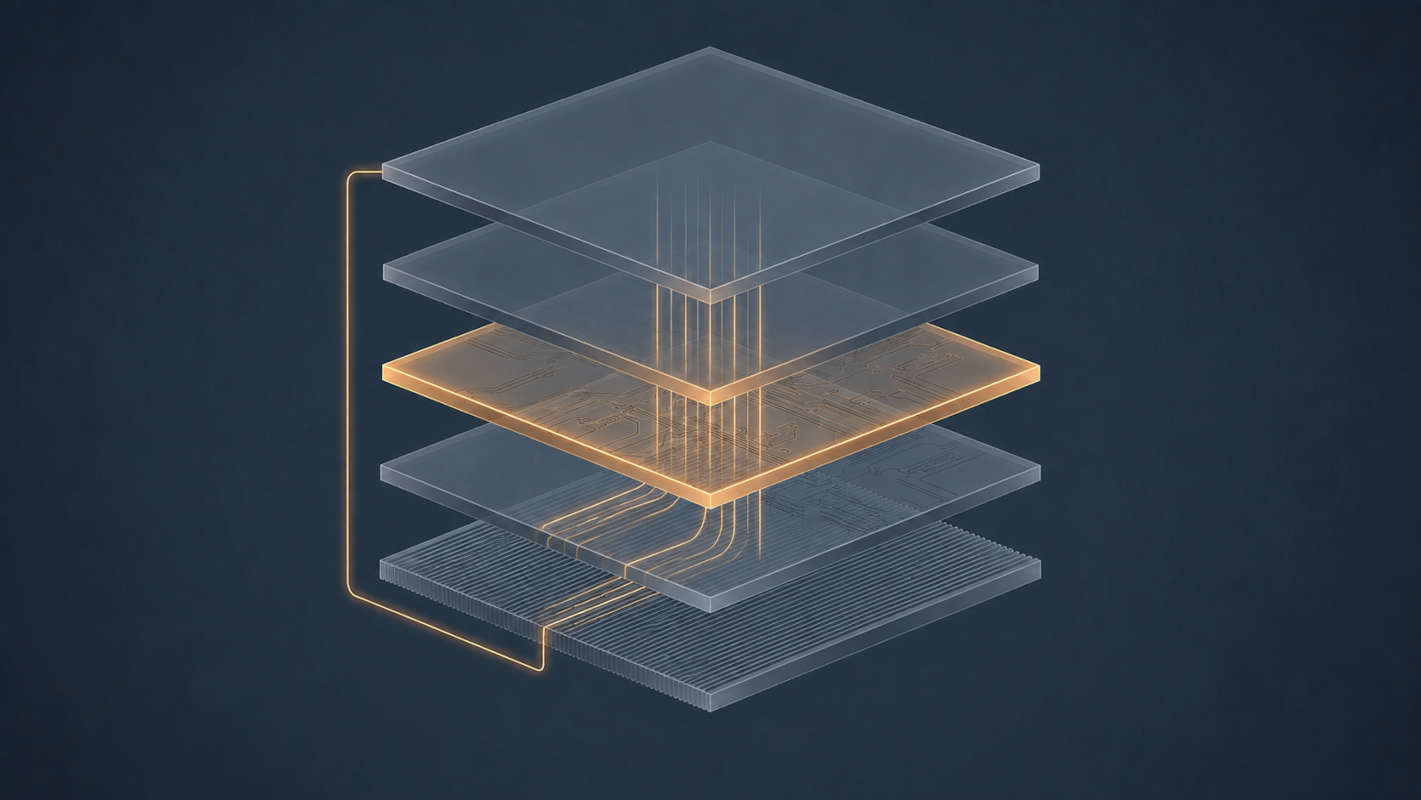
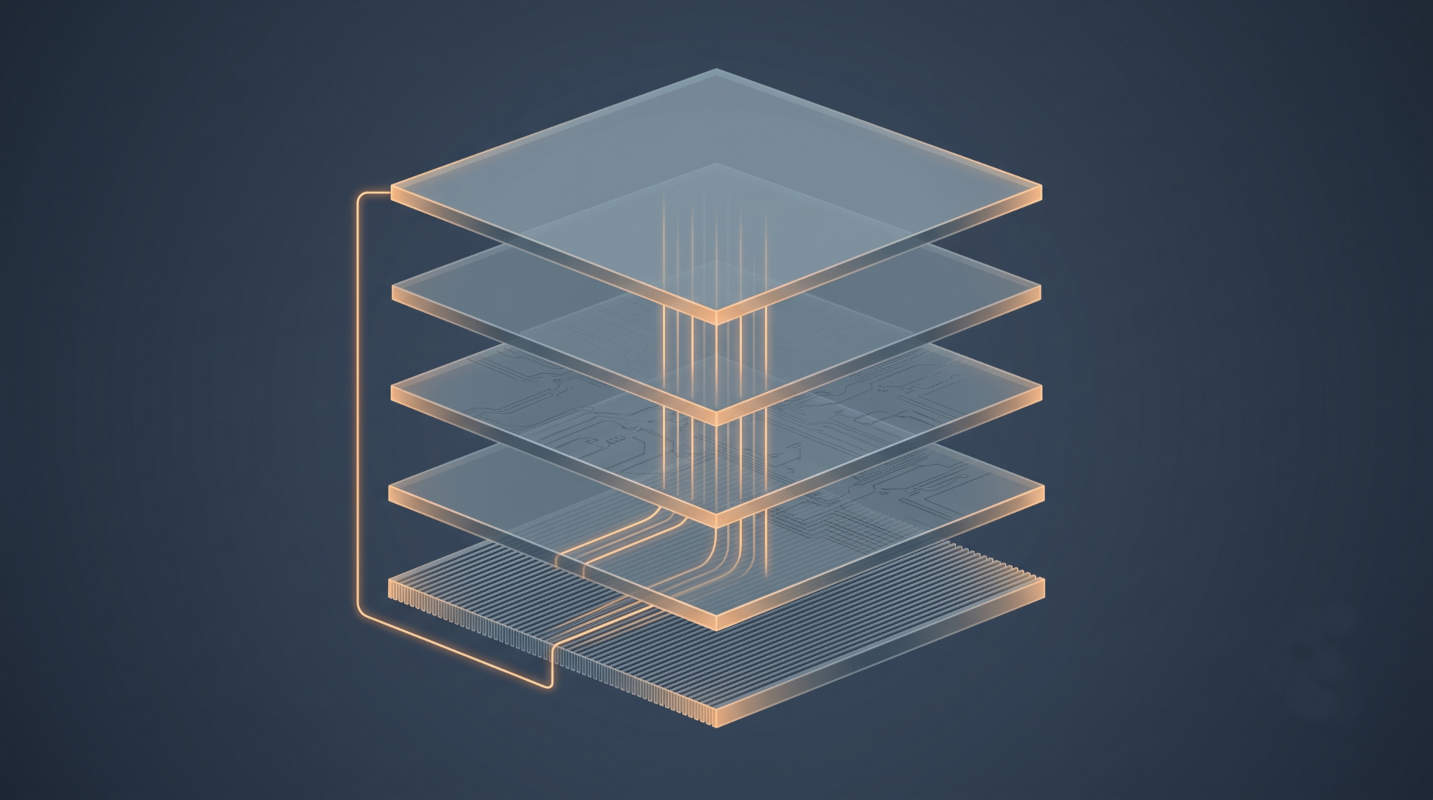
Part 1 named the layers, Part 2 opened the model file, and Part 3 showed who holds the conversation. Three parts of architecture, and finally some commands — and the reason they come last is that almost every installation guide you’ll find gives you a docker run line without telling you which of the four possible arrangements you’re choosing, or why the answer changes completely depending on what silicon you own. The Decision That Comes First # Every local AI tutorial opens with either “install Ollama” or “here’s a compose file,” and treats the choice as taste. It isn’t. It is determined almost entirely by one question:
Part 1 established that the model is stateless. Part 2 established that its memory is finite and expensive. Put those together and an awkward question falls out: if the model remembers nothing and can only be handed so much at once, who decides what it gets to see? The answer is the layer you thought was just a chat window. The Layer That Holds Everything the Model Can’t # Open WebUI is a web application. Svelte in the browser, a Python backend, a database on disk. There is no model inside it and no inference happening in it. If Ollama is switched off, Open WebUI still loads perfectly — it simply has nothing to talk to.
Most local AI tutorials hand you a docker compose up and a shrug. This one starts with the architecture, because once you can name the layers, every tutorial after this becomes readable. The Naming Problem # Spend twenty minutes reading about local AI and you will collect a pile of nouns:
Ollama. Qwen. Llama. Gemma. GGUF. llama.cpp. Open WebUI. LM Studio. vLLM. Hugging Face.